
Introduction
The General Settings tab allows you to customize your SolRIP experience for a smoother and more efficient wallet cleanup. Choose your preferred blockchain explorer, adjust display preferences, and filter tokens and NFTs to focus on what matters most.
Pro Tip:
The Basic/Pro Toggle is available on all settings tabs. By default, Basic Mode is active. Switch to Pro Mode to unlock advanced features, including access to the Liquidity Pools and Unknown Items pages.
Explorer Settings
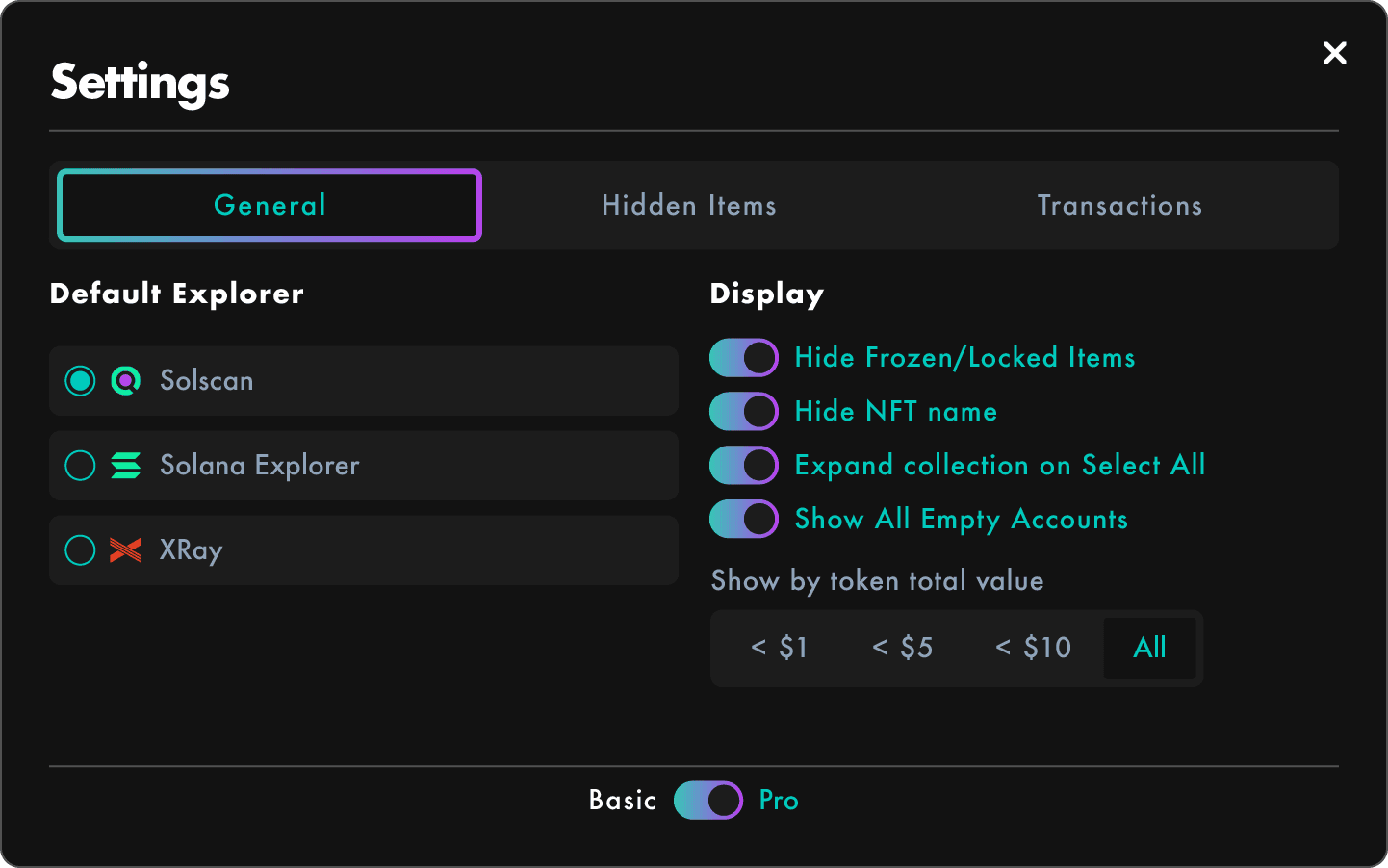
Select your favorite Solana blockchain explorer for quick access to asset details:
- Solscan: Comprehensive analytics and wallet tracking.
- Solana Explorer: The official explorer for Solana blockchain data.
- Solana.fm: User friendly interface with advanced search options.
- Xray: depth wallet analysis and token insights.
To set your preferred explorer:
- Click on the Settings button on the menu.
- Under Default Explorer, select your preferred explorer.
- Your choice will be applied instantly, allowing you to view asset details with your favorite explorer.
Display Settings
Customize the visual display of your assets to improve navigation and focus during wallet cleanup:
- Hide Frozen / Locked NFTs:
Exclude NFTs that cannot be burned, helping you focus on actionable items. - Hide NFT Name:
Display only the NFT ID instead of the full name for a cleaner view. - Expand Collections When Clicking "Select All":
Automatically expand NFT collections when selecting all items in a category. - Show All Empty Accounts:
Display detailed information for each empty account, enabling individual account selection for burning. - Show by Token Total Value:
Filter tokens based on their total value, making it easier to identify low - value assets:- Tokens with a total value lower than $1
- Tokens with a total value lower than $5
- Tokens with a total value lower than $10
- Show All Tokens regardless of value
To adjust your display settings:
- Click on the Settings button on the menu.
- Toggle each setting on or off according to your preferences.
- Use the buttons under Show by token total value to apply your preferred filter.
- Your choices will be applied instantly, allowing you to use SolRIP with the desired settings.
Important:
By default, all Tokens with a total value over $1 are hidden. To see all your Tokens you need to select the "All" option under Show by token total value.
Default settings
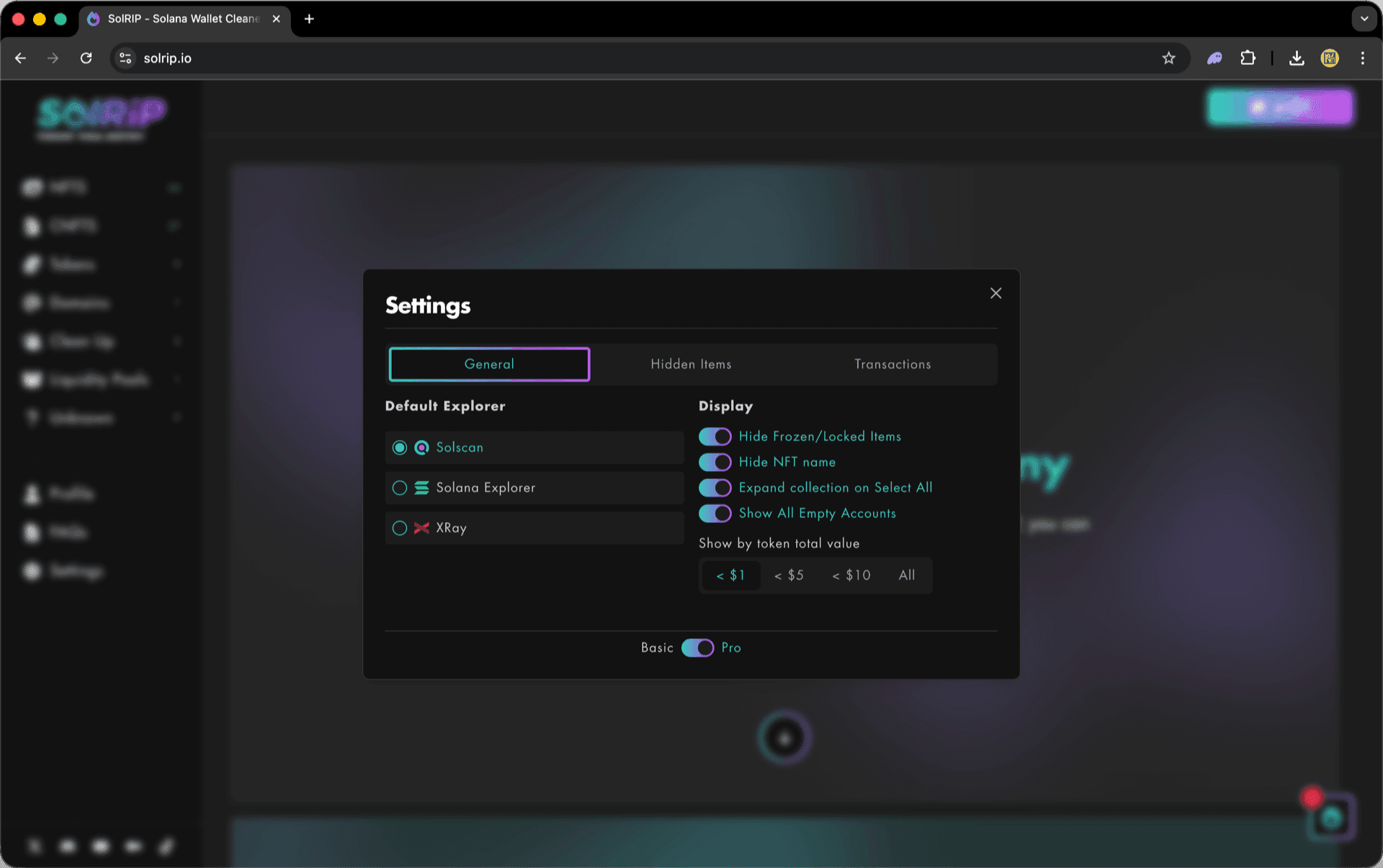
These are the Default General Settings when you first visit SolRIP.

Recommended settings
These are our Recommended General Settings to get the most out of SolRIP.
Related FAQs
Have more questions? Check the full FAQs page.